Workflow design
Follow the task from the first input to the final handover. Find out who makes the decisions, where it gets stuck and which exceptions need attention.
- Current process and requirements
- Inputs, review points and exceptions
 Let’s talk
We build tools and connected workflows for the jobs your team keeps repeating. That can mean bringing information together, handling a routine handover or using AI to help with a specific task. We start with how the work happens now and keep the decisions that need a person clear.
Follow the task from the first input to the final handover. Find out who makes the decisions, where it gets stuck and which exceptions need attention.
Use AI where it helps with a defined job, such as sorting information or preparing a draft. Test the output and agree where a person needs to review it.
Connect the routine steps that follow a form, an update or an approved action. Work out what should happen when information is missing or a step fails.
Work with the systems your team already uses. We check the available access and integration options before agreeing how the information will move between them.
Give your team one useful place to enter information, review a job or see what needs attention. Build around the people doing the work.
Bring information from forms, files or documents into a consistent process. Make it clear where it came from and how corrections should be handled.
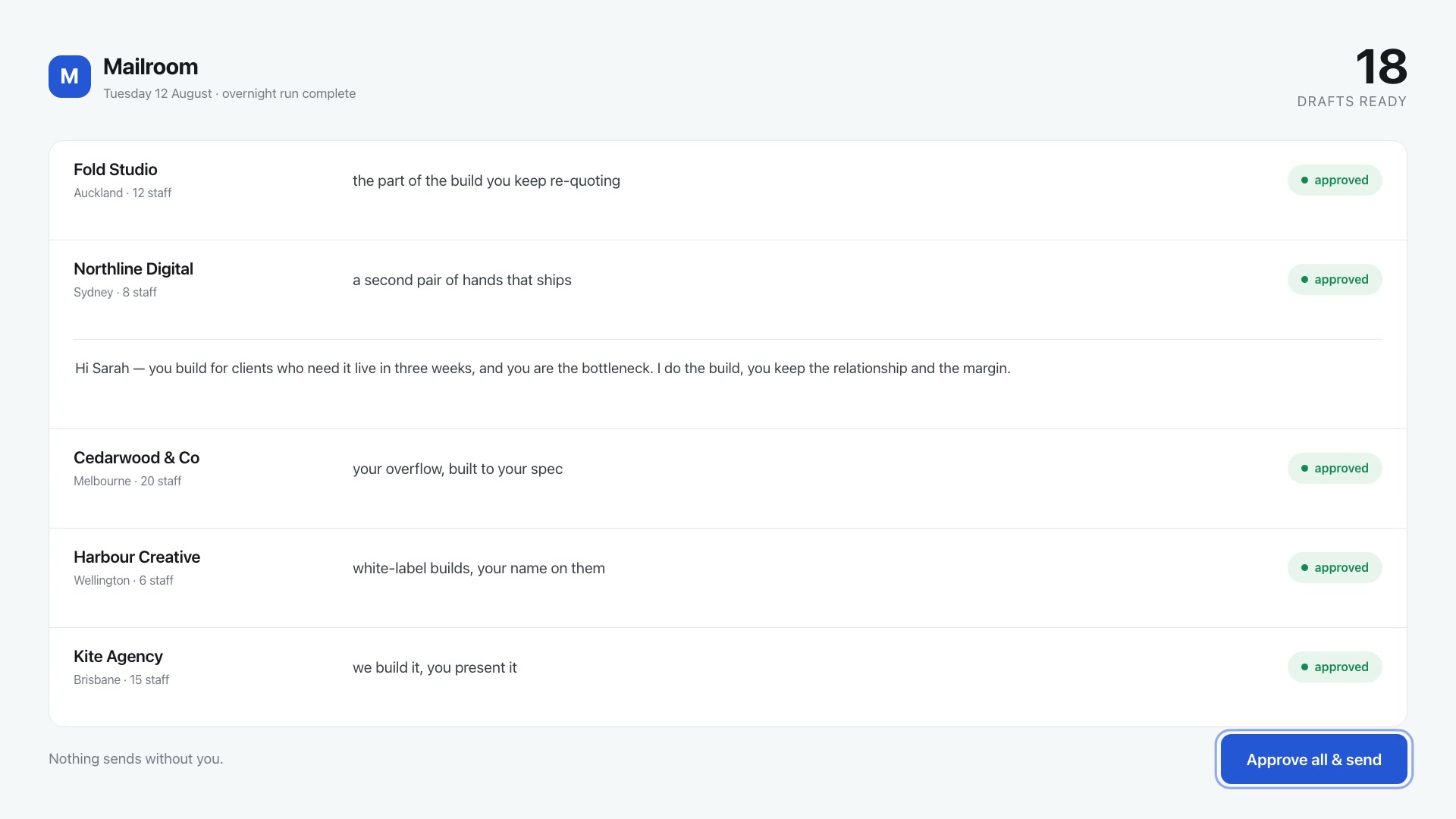
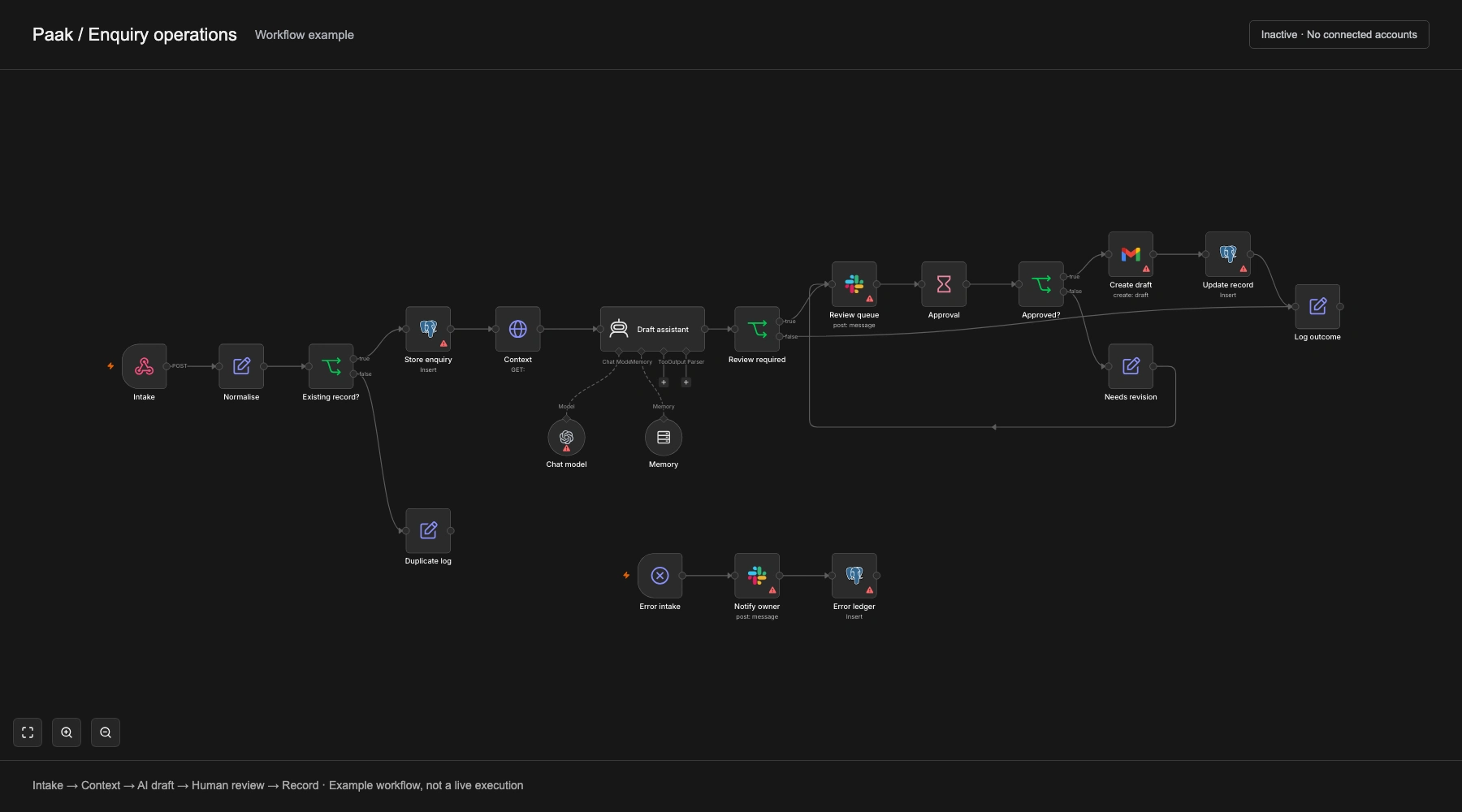
Once the scope and price are agreed, we build and test the system against real examples, then help your team put it to work.
If a prototype is useful, it is a paid stage agreed before work begins. Platform access, tool costs and maintenance are agreed for the specific system.
The people doing the work help us judge whether the system is useful.
Watch the current task, identify the inputs and understand the exceptions.
Agree one useful outcome, access, review points, timing and price.
Plan the workflow and decide where automation or AI belongs.
Build a working test and check it against representative examples.
Put the agreed system into use, explain how to operate it and define support.
Two estimating prototypes you can explore.
Product Design & Web Development
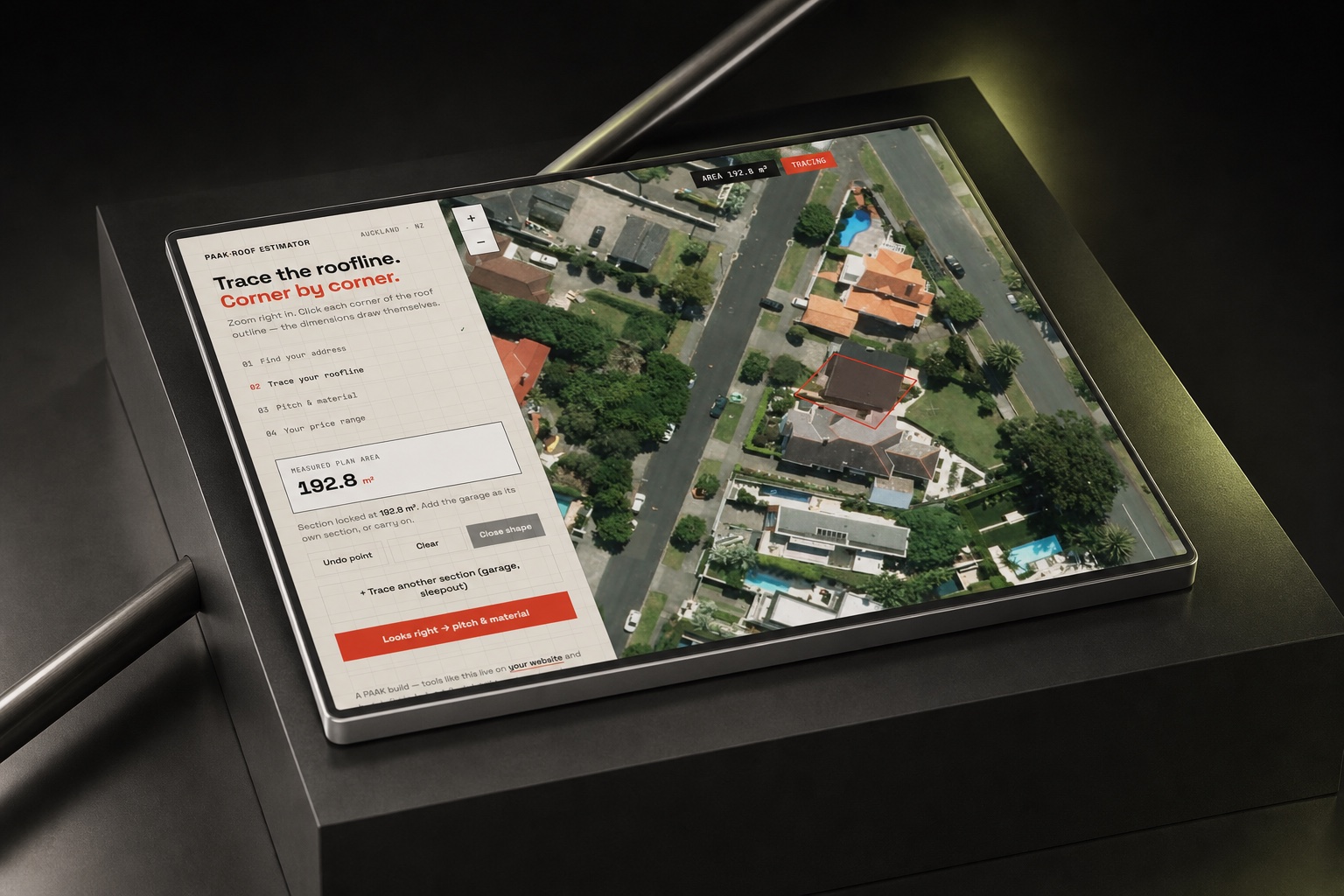
A working prototype that uses a traced roofline, pitch and material to produce an indicative re-roofing range. It explores how a customer can get an initial estimate before making an enquiry.
Product Design & Web Development
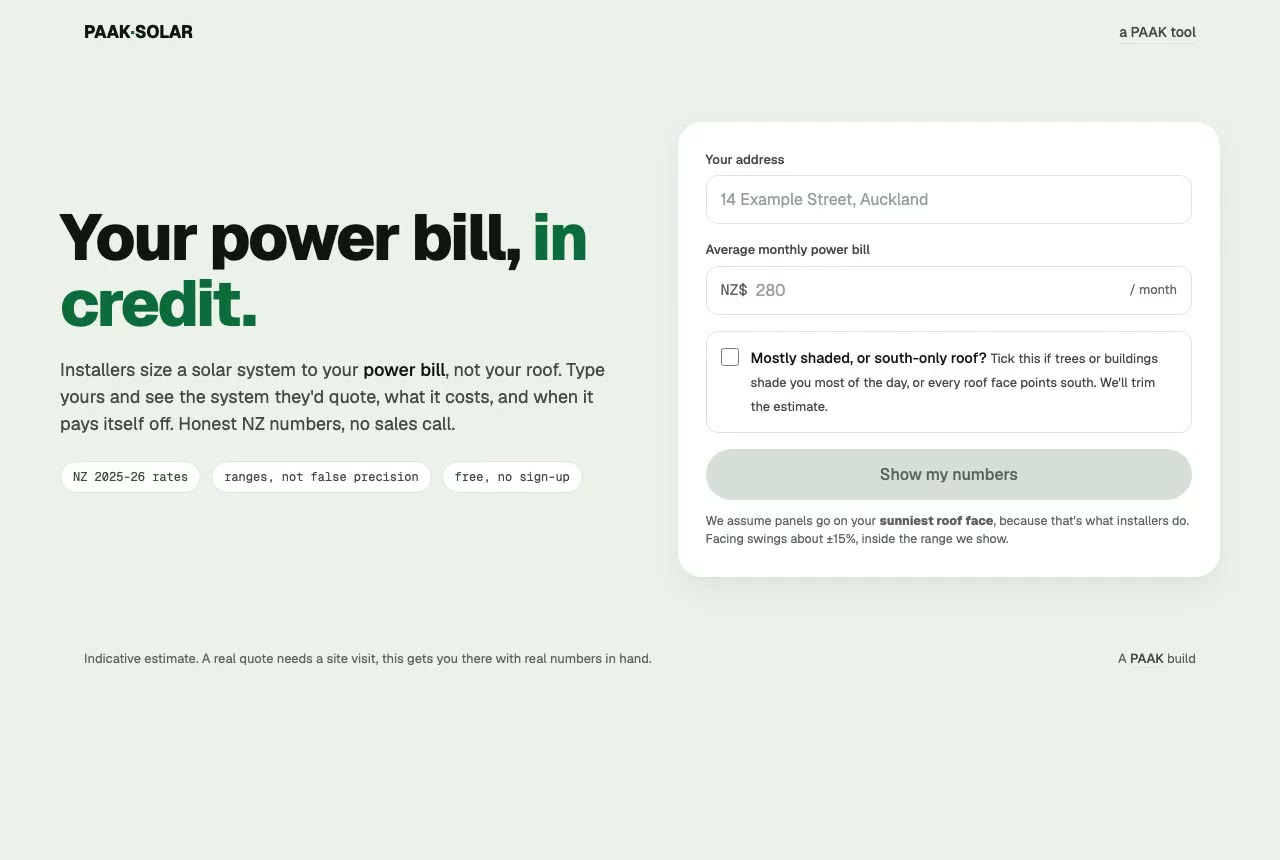
A working prototype that turns a monthly power bill into an indicative solar system estimate. The interface brings system size, cost and payback into one view.
No. A simple integration or a change to the process may be enough. We’ll choose the approach around the task.
Often, but we need to check their access and integration options first. Send us the tool names and what you want to happen between them.
We agree which decisions need review and where the system should stop for help. Those points are designed into the workflow and tested with examples.
We need to understand the information and the tools involved before answering that. Access, storage, provider settings and permissions are part of the assessment. Don’t send confidential records with the first enquiry.
We test likely mistakes and exceptions, then decide how the workflow handles them. That can mean asking for review, recording an error or stopping the action. The right response depends on the task.
There may be hosting, platform or usage charges as well as maintenance. We’ll explain the expected costs and responsibilities for the agreed system before you commit.
Yes. We can start with one defined task and agree its scope and price before work begins. Where a prototype is useful, we scope it as a paid stage and test it with representative examples before agreeing any further work.
The task, integrations and testing needs determine the work. Send us the process you want to improve and the tools involved. We’ll check the access, agree the scope and put the price and timing in the proposal before starting.
Tell us which task keeps taking up time, how you handle it now and which tools are involved.
Tell us about it